Share your event feedback and review survey results.
This section covers the post-event feedback system. Attendees submit feedback through a simple form, and admins can review individual submissions and aggregated results to understand attendee satisfaction and gather actionable insights.
Contents
Event Feedback
Role: All Users
The event feedback form lets you share your overall impressions of the event after it concludes. You can rate your experience, highlight what worked well, and suggest improvements to help organizers plan better future events.
- Complete the post-event feedback form with ratings and comments
- Share what you enjoyed most and what could be improved
- Your feedback helps organizers understand attendee satisfaction
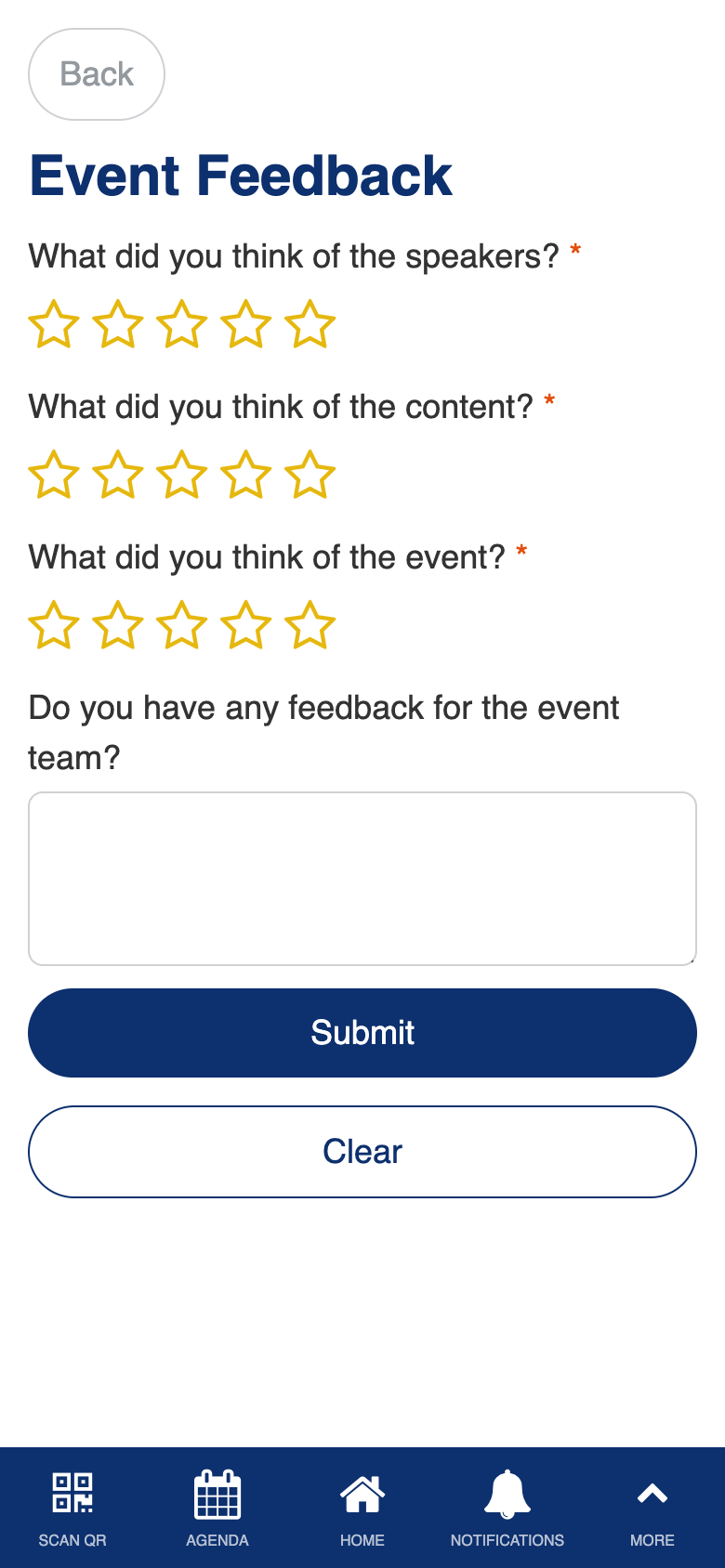
Uses the standard Form Builder component.
User Feedback
Role: Admin
The user feedback screen gives admins access to individual feedback submissions. You can browse all submitted feedback responses to understand attendee sentiment and identify specific themes or concerns raised by participants.
- Browse all feedback submissions from event attendees
- View individual response details including ratings and comments
- Identify trends and common feedback themes across submissions
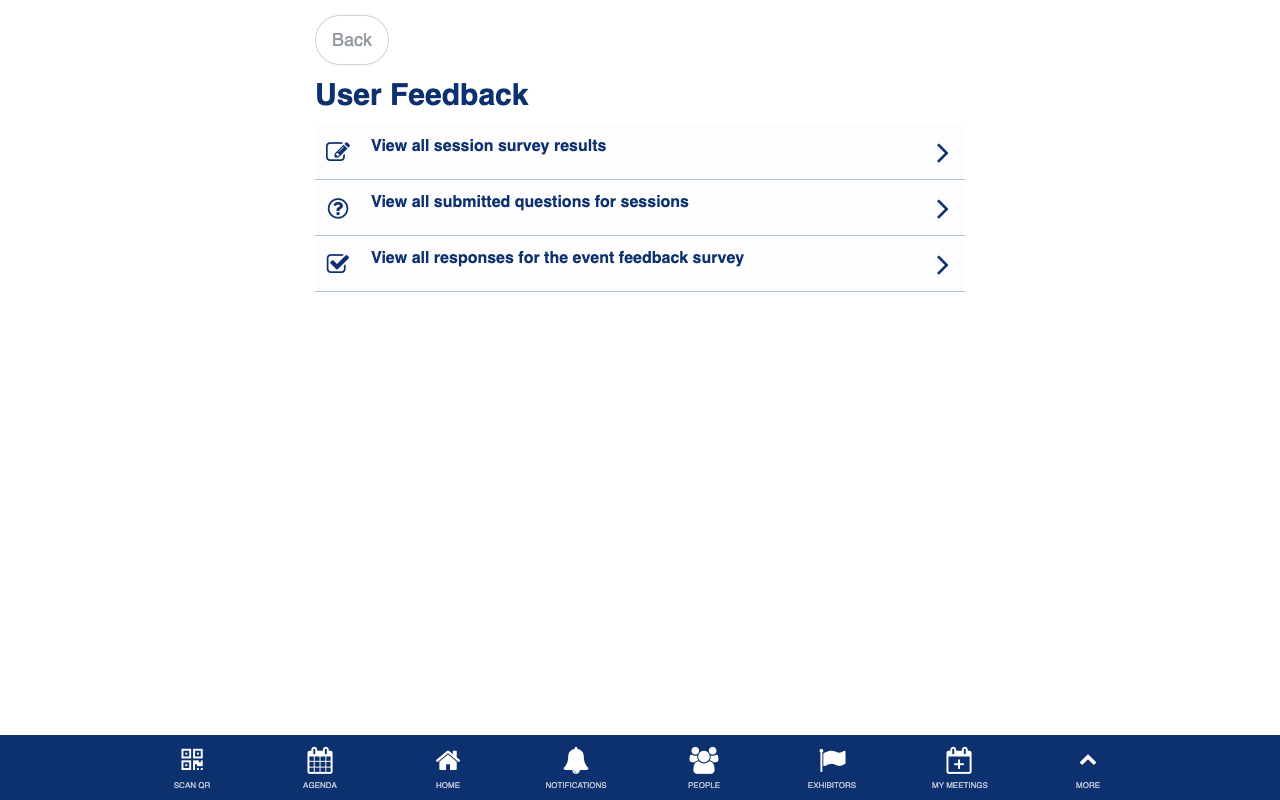
Uses the standard List from Data Source component.
Event Feedback Results
Role: Admin
The event feedback results screen shows aggregated feedback data so admins can see the overall picture. You can review summary statistics, response distributions, and common themes across all submitted feedback to inform post-event analysis and future planning.
- View aggregated feedback results and summary statistics
- Review response distributions across rating categories
- Identify common themes and patterns in attendee feedback
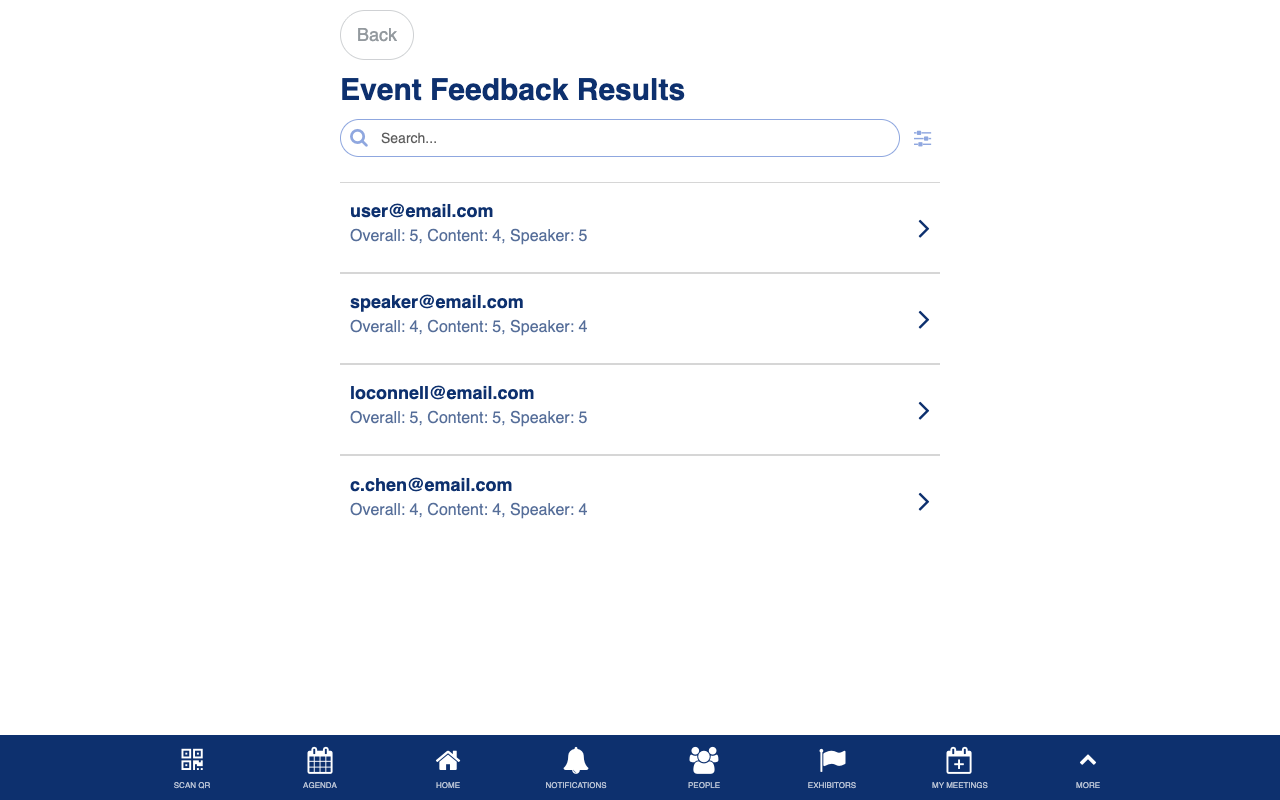
Uses the standard List from Data Source component.