Receive notifications and manage event-wide messaging.
This section covers the communications system: how attendees receive push notifications and in-app messages, and how admins create and send targeted communications through multiple channels including email, push notifications, and SMS.
Contents
Notifications
Role: All Users
The notifications screen shows all push notifications and in-app messages you have received during the event. You can browse your notification history, read message details, and track which notifications you have already viewed. Notifications are generated by meeting updates, event announcements, and admin communications.
- View all push notifications and in-app messages in one place
- Tap any notification to read the full message details
- Track which notifications you have already read
- Notifications are generated automatically by meeting responses, session reminders, and admin-sent communications
- Stay informed about schedule changes, session updates, and important announcements
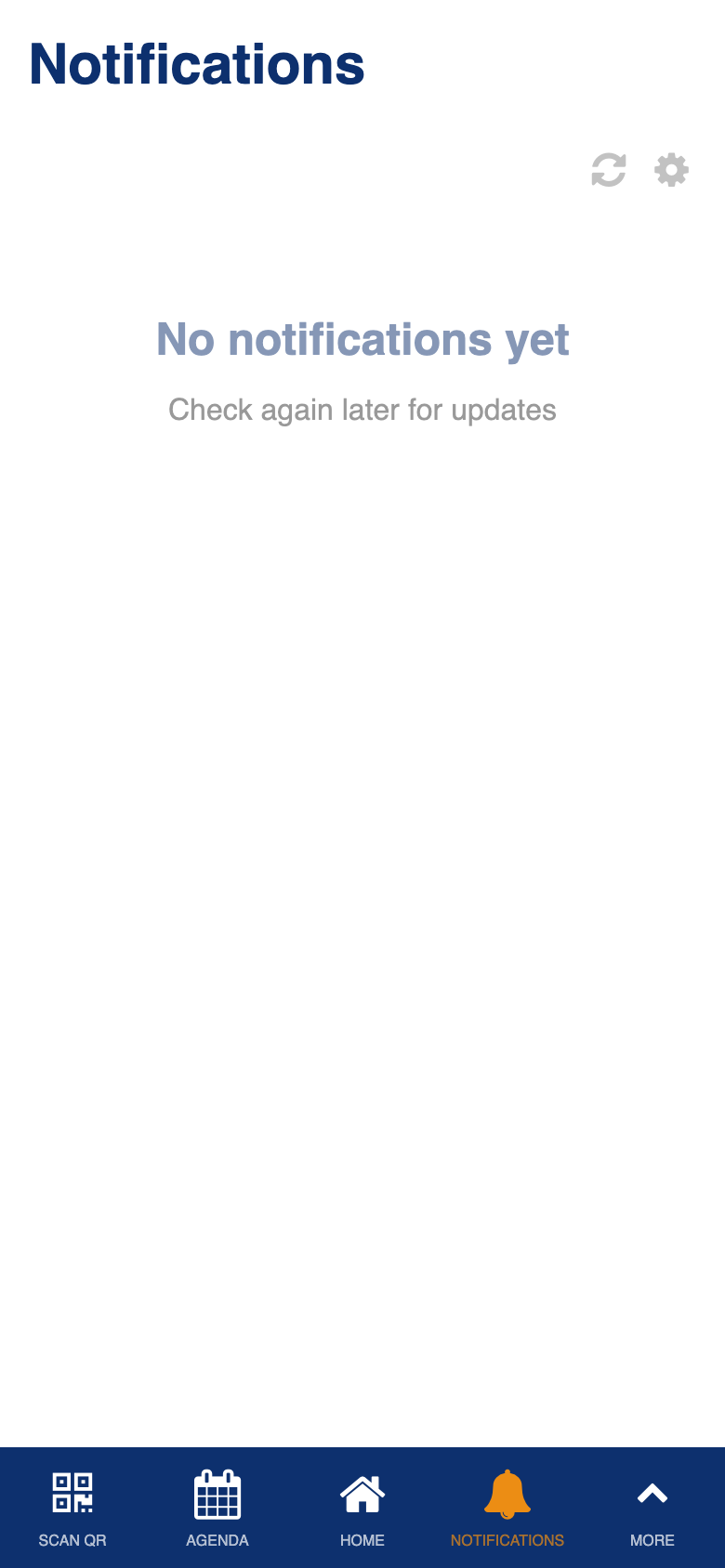
Custom notification system with multi-source message aggregation.
Communications
Role: Admin
The communications dashboard shows all messages that have been sent through the app. You can review the history of sent communications, check delivery status, and duplicate a previous message to quickly create a new one based on an existing template.
- View the complete history of all sent communications
- Check delivery status for each message
- Duplicate a previously sent message to reuse it as a template for a new communication
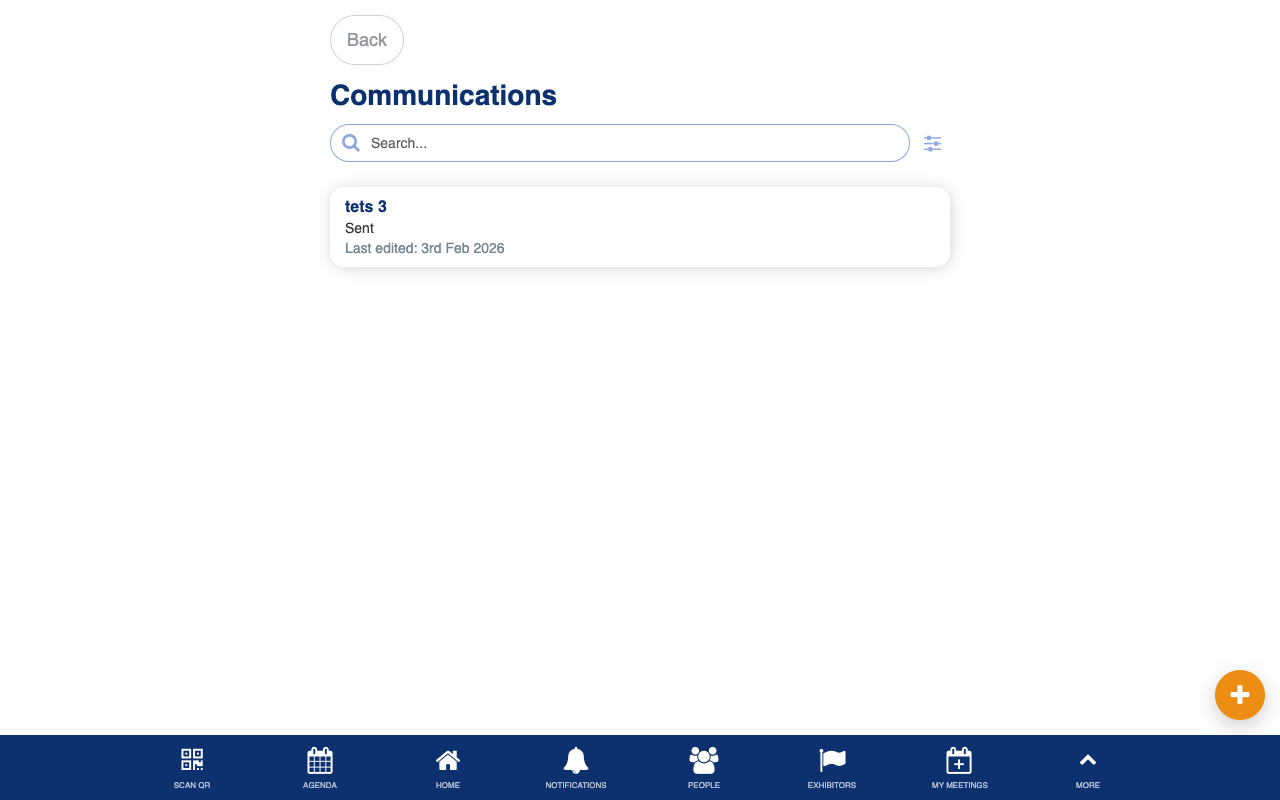
Uses the standard List from Data Source component.
Manage Communications
Role: Admin
The manage communications screen is the control center for creating and sending event-wide messages. You can compose messages and deliver them through multiple channels simultaneously: email, push notification, and SMS. Target specific audiences by filtering users based on profile fields such as company, role, or group, and optionally target attendees of a specific session.
- Compose messages with a title and body content
- Send through multiple channels: email, push notification, and SMS
- Target specific audiences using profile field filters (equals, contains, is one of, and more)
- Optionally target attendees registered for a specific session
- Preview the recipient count before sending
- Confirm sending with a batch delivery confirmation
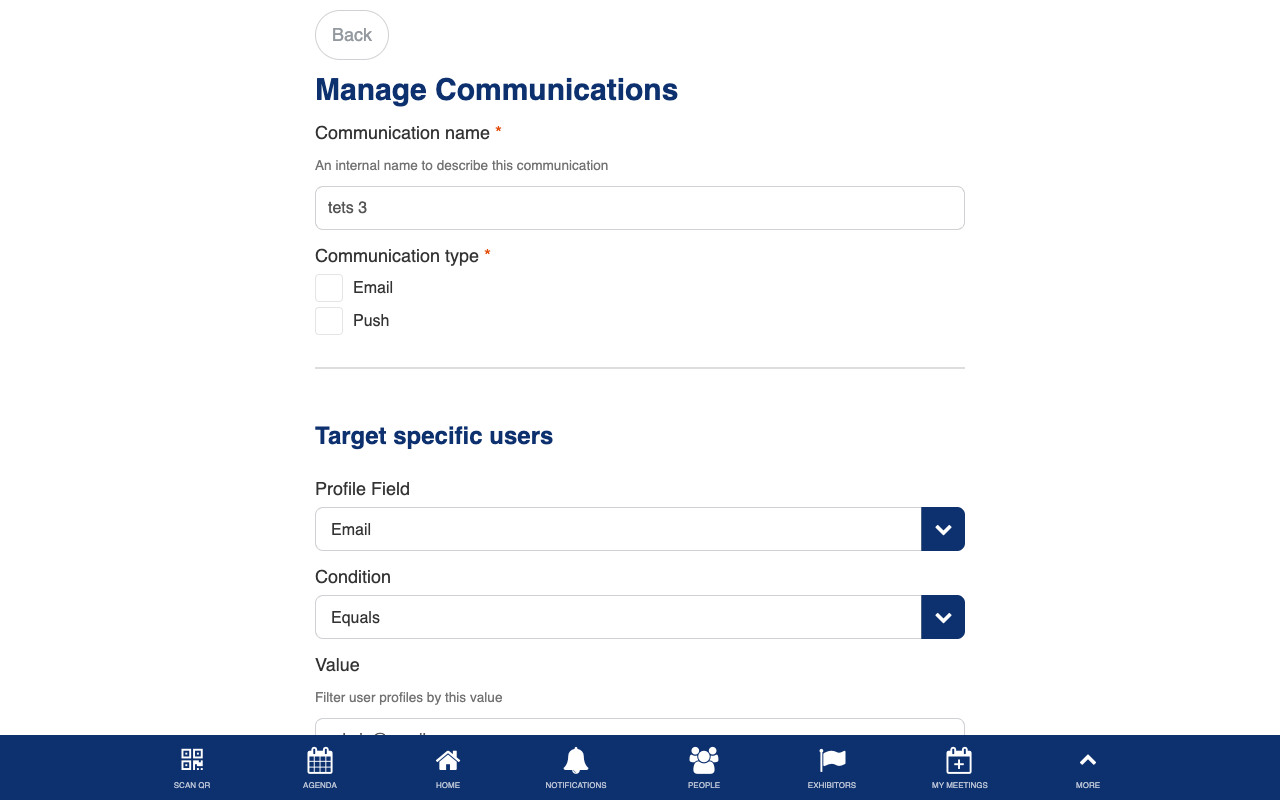
Custom multi-channel messaging platform with user targeting, profile field filtering, and batch delivery.