Find anything at the event with AI search, explore the floor plan, browse people, and manage your notes.
This section covers the tools that help you navigate the event: an AI-powered search that understands natural language, an interactive venue floor plan, a dual attendee and speaker directory with lead capture, and a cross-entity note-taking system.
Contents
Universal Search
Role: All Users
Universal search lets you find anything at the event by typing a plain-English question. The AI-powered search engine understands natural language queries and searches across sessions, speakers, exhibitors, and event information simultaneously. Results include an AI-generated answer explaining the relevance of each match, with color-coded categories so you can quickly distinguish between sessions (blue), people (green), event info (purple), and exhibitors (orange). Tap any result to jump directly to its full detail.
- Type a natural language question to search the entire app at once
- View AI-generated answers with relevance explanations for each result
- Results are color-coded by category: sessions, people, event info, and exhibitors
- Tap any result card to navigate directly to the full record in its home screen
- Admins can regenerate the search index after updating event data to keep results current
- Search spans the agenda, user directory, event information, and exhibitor directory
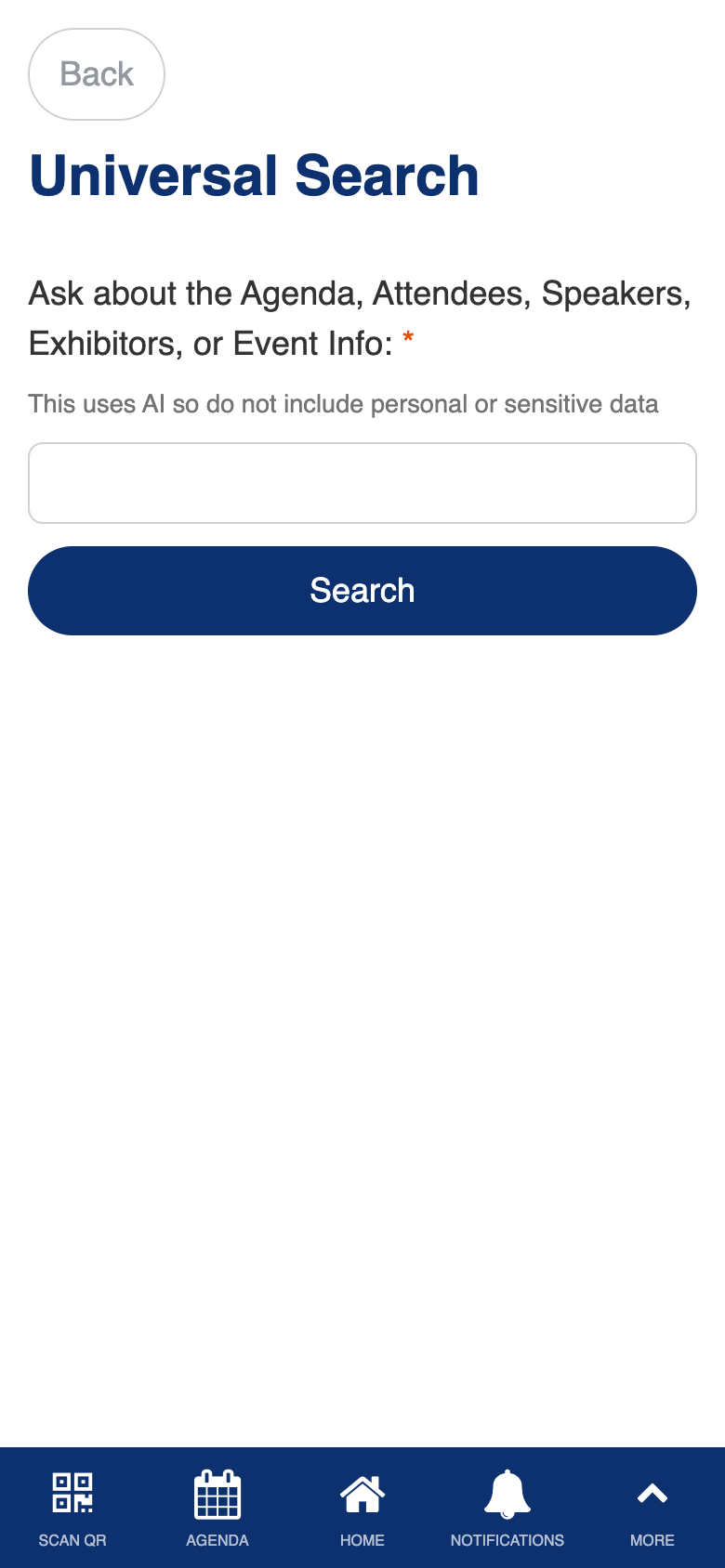
Custom AI-powered semantic search with embedding-based similarity matching, natural language answer generation, and deep-link navigation to source records.
Interactive Floorplan
Role: All Users
The interactive floor plan shows the venue layout with markers for rooms and exhibitor booths. You can pan and zoom to explore the map, search for specific locations, and tap markers to navigate directly to related content. Tapping a room marker opens the agenda filtered to sessions in that room, while tapping a booth marker opens the exhibitor’s profile. When navigating from another screen, the floor plan can open with a specific location pre-highlighted.
- Explore the venue layout with pan, zoom, and search controls
- Tap a room marker to see which sessions are running in that location
- Tap an exhibitor booth marker to view the exhibitor’s full profile
- Navigate to the floor plan from other screens with a specific location pre-highlighted
- Search for specific rooms or booths by name
- When only one result matches a marker tap, the detail view opens automatically
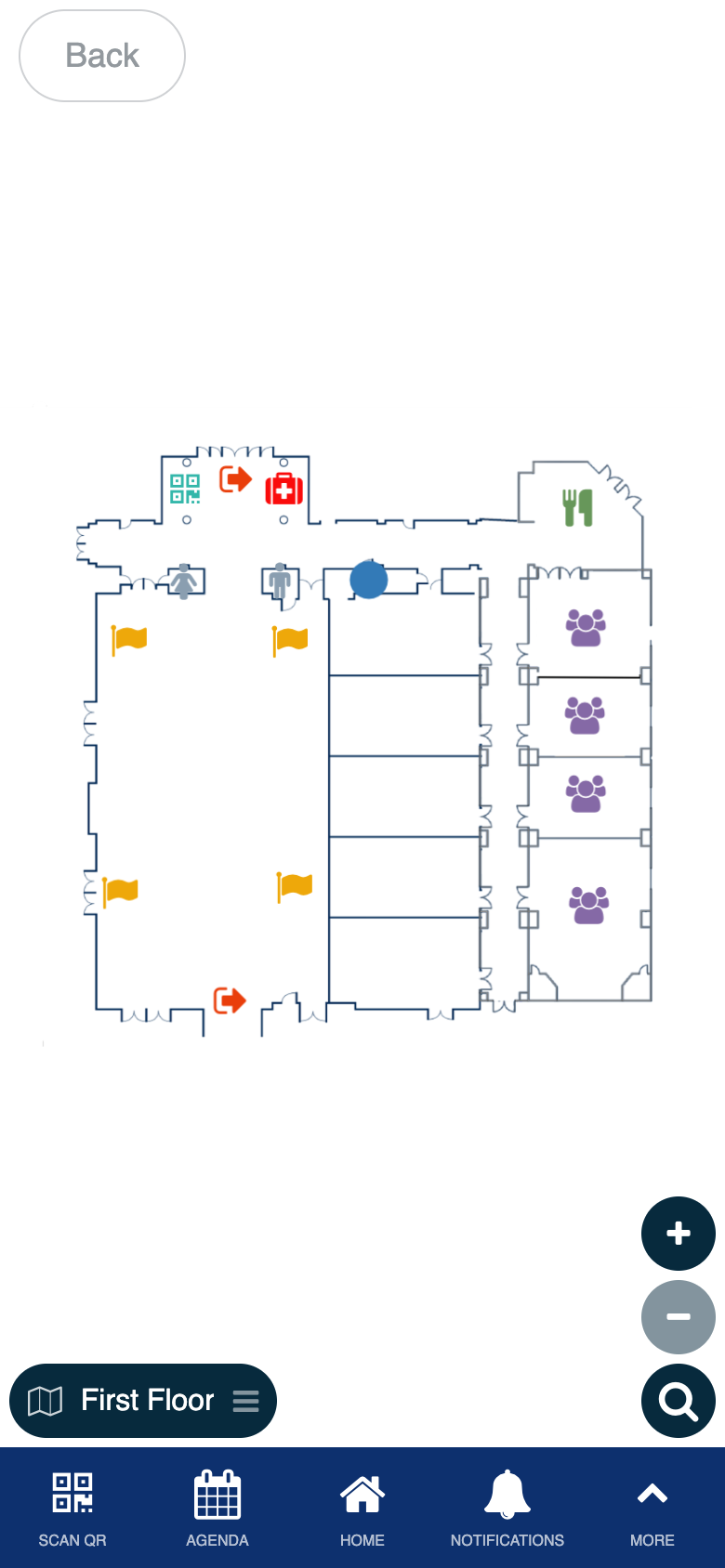
Uses the standard Interactive Graphics component. Custom marker-tap navigation to the agenda and exhibitor screens.
Attendees & Speakers
Role: All Users
The attendee and speaker directory is a comprehensive people browser with two sections: speakers in a prominent horizontal card layout, and attendees in a searchable grid. Beyond browsing, this screen supports lead capture via QR scanning, personal note-taking, chat, meeting booking, and contact export. When viewing a speaker’s profile, their scheduled sessions are displayed so you can plan which talks to attend.
- Browse all speakers in a horizontal card layout with photos, names, and companies
- Browse all attendees in a searchable grid with photos and profile details
- View a person’s full profile with bio, title, company, and scheduled sessions (for speakers)
- Add or edit personal notes about any person for post-event follow-up
- Start a direct chat conversation from any profile
- Book a meeting with any attendee or speaker from their profile
- Scan QR codes to capture contacts as leads, with exhibitor time-window restrictions
- Toggle Scanned by Me to filter both lists to only people you have scanned
- Export scanned contacts as a CSV download or send them via email
- Display your own QR code using the My QR Code button
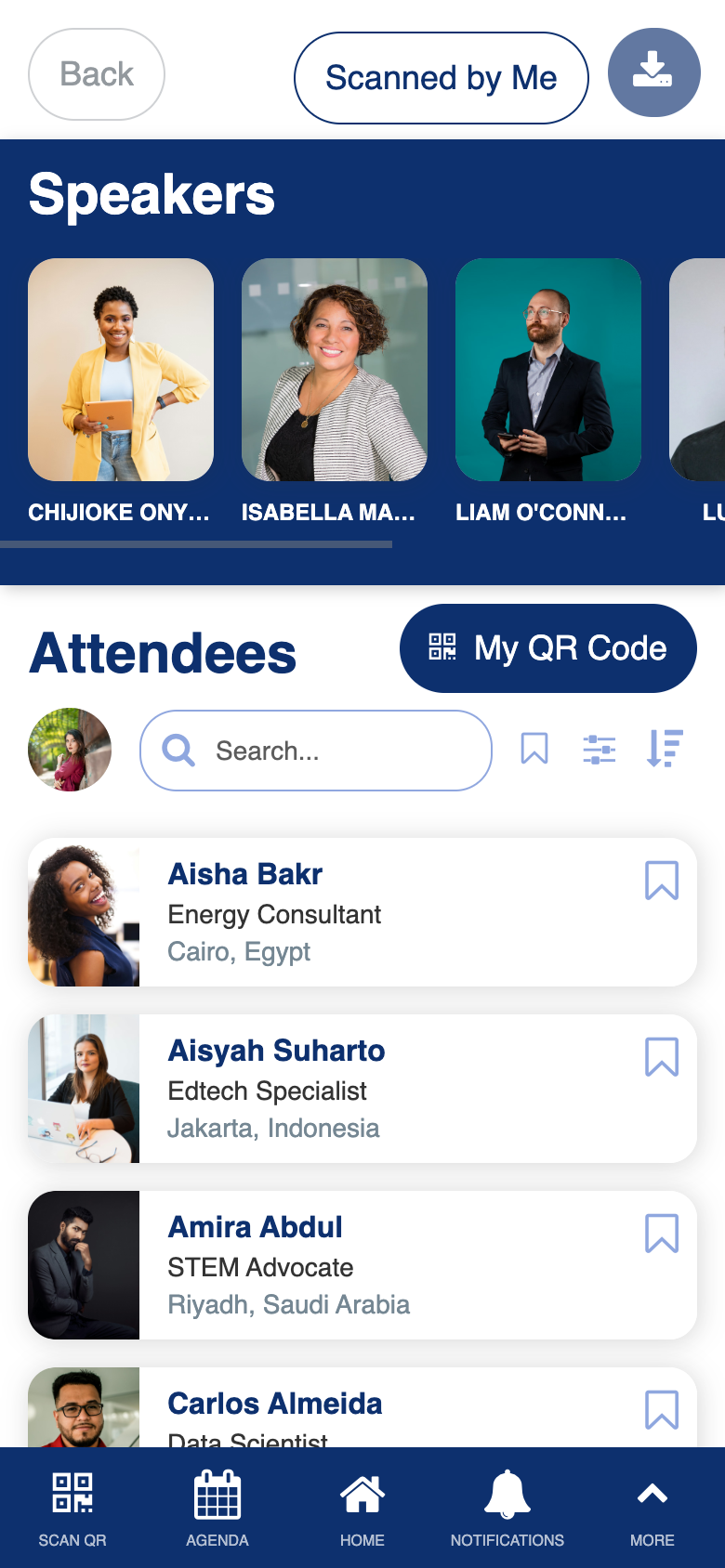
Custom dual-list directory with lead capture via QR scanning, notes integration, chat, meeting booking, and contact export.
My Notes
Role: All Users
My Notes is your personal notebook for the event, collecting all notes you have taken about people, sessions, and exhibitors in one place. Each note links back to the person, session, or exhibitor it is about, so you can tap through to see the full detail. You can export all your notes as a CSV or email them to yourself. Exhibitors and admins can toggle between personal notes and all team notes, and scan new leads directly from this screen.
- View all your notes organized with the associated person, session, or exhibitor shown as a clickable card
- Tap a note’s source card to jump to the associated person’s profile, session detail, or exhibitor profile
- Edit any note from its detail view, with entity context preserved
- Export all notes as a CSV download (web only) or email them to any address
- Toggle between My Notes and All Notes to see your team’s collective notes (exhibitors and admins)
- Scan a new lead directly from the Scan Lead button (exhibitors and admins)
- The screen title changes to “Scanned Leads” when accessed from the lead capture flow
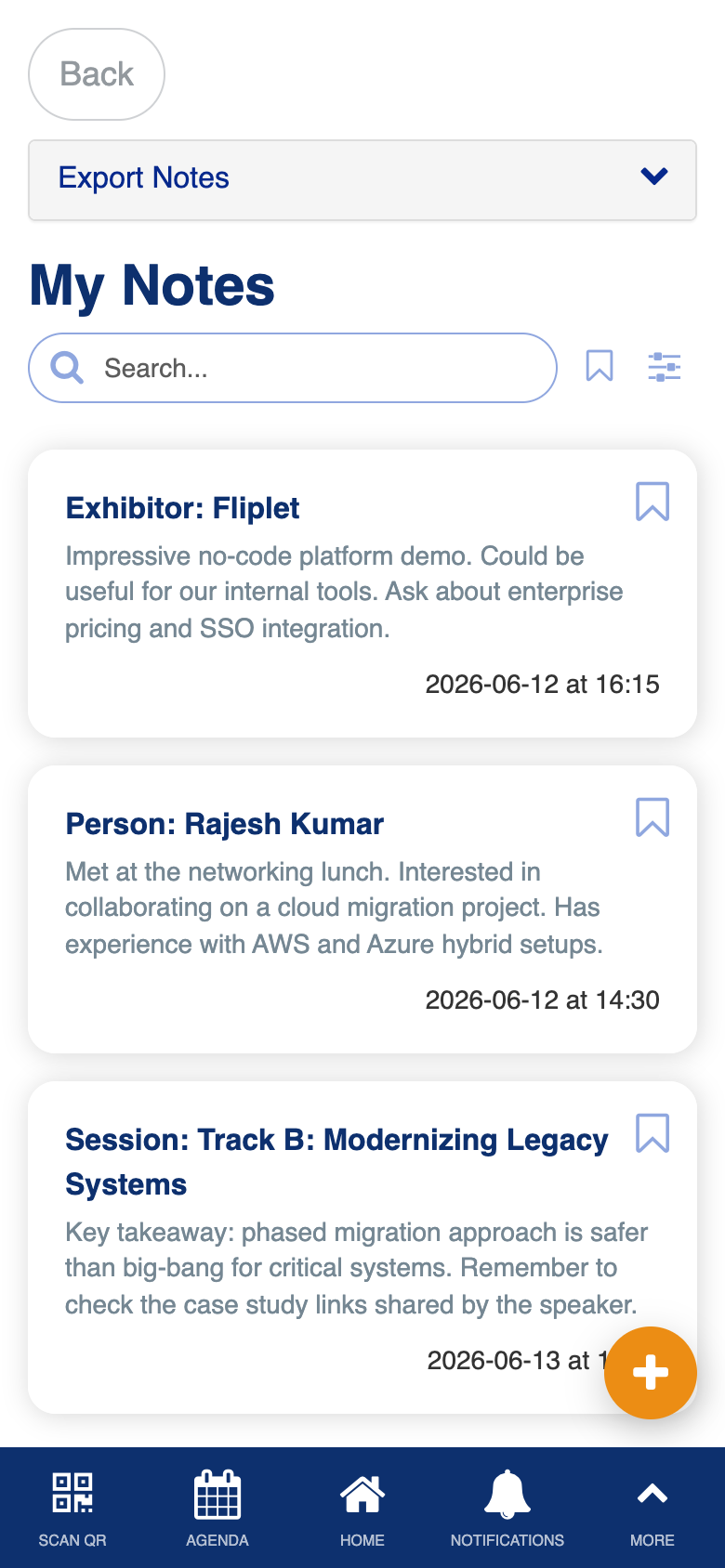
Custom cross-entity notes system with person/session/exhibitor associations, team note sharing, lead capture scanning, and multi-format export.